![Gemini-Logic-Logo (1).png]](https://cs.geminilogic.com/hs-fs/hubfs/Gemini-Logic-Logo%20(1).png?height=40&name=Gemini-Logic-Logo%20(1).png)

- Access
- Accounts Receivable List
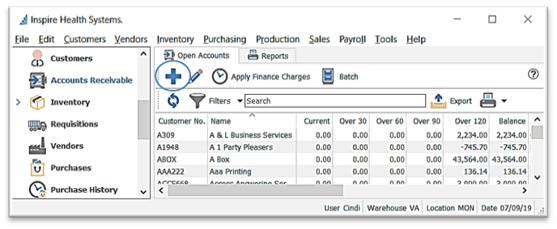
-
- Accounts Receivable Details
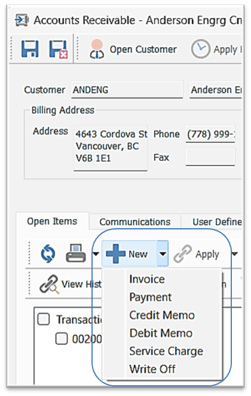
- click
 New
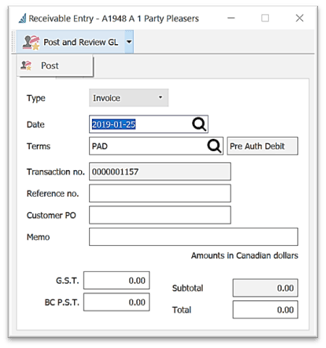
New - select transaction Type from the drop-down list
- enter or select Date
- accept or change Terms as established in Customer Details
- system-assigned Transaction no.
- option to enter a Reference no.
- option to enter a Memo
- enter Total and the system will back out the taxes
- Taxes - option to change / delete tax amounts calculated out of the Total - tax settings are established in Customer > Addresses > Taxes
- select from
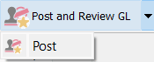
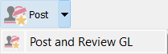
 Post / Post and Review GL (or Alt+s)
-
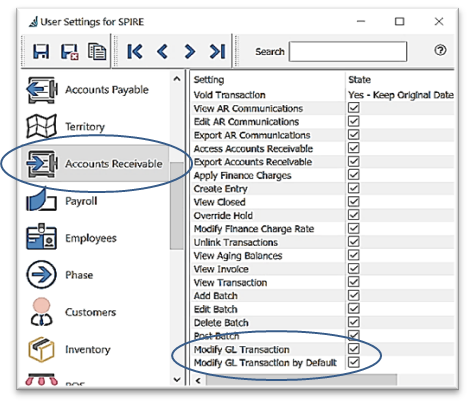
- User Settings for this selection - Edit > User Settings > Accounts Receivable:
 Modify GL Transaction
- Modify Transactions by Default:
- User Settings for this selection - Edit > User Settings > Accounts Receivable: