![Gemini-Logic-Logo (1).png]](https://cs.geminilogic.com/hs-fs/hubfs/Gemini-Logic-Logo%20(1).png?height=40&name=Gemini-Logic-Logo%20(1).png)

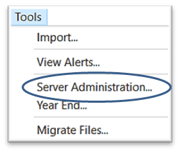
Access - Tools > Server Administration
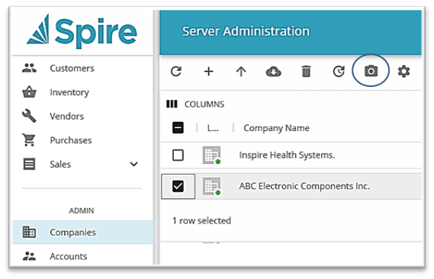
 select the Company you want a Snapshot for
- click on
 Create Snapshot
- locate Snapshot in C:\ProgramData\Spire\Snapshots\(databasename)
- Server Administration also offers the option to
 Archive data, Reports, and Media (attachments) all together, so all can be restored at once - see Installation / Setup - Archive