![Gemini-Logic-Logo (1).png]](https://cs.geminilogic.com/hs-fs/hubfs/Gemini-Logic-Logo%20(1).png?height=40&name=Gemini-Logic-Logo%20(1).png)
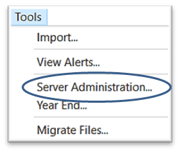
Access - Tools > Server Administration
- Server Update
- check for updates by opening Server Administration under Tools
- click on the
 Update Available notification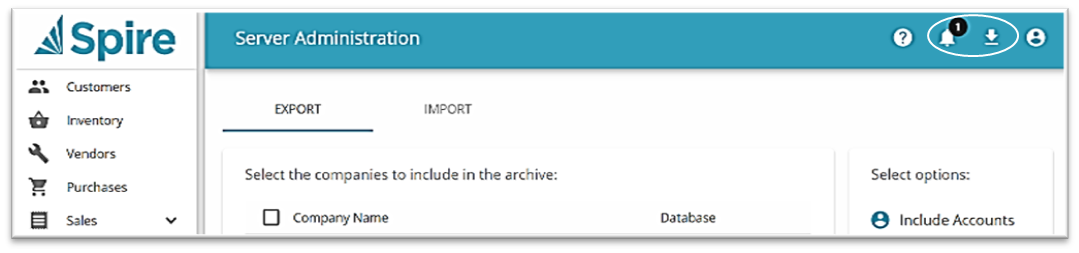
- from the list of updates, click on Download for the version you want to install
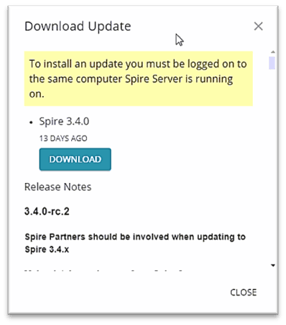
- follow prompts to install
 Download Desktop Client to match Server version just installed
- save installation file to desired location
- launch the installation file