![Gemini-Logic-Logo (1).png]](https://cs.geminilogic.com/hs-fs/hubfs/Gemini-Logic-Logo%20(1).png?height=40&name=Gemini-Logic-Logo%20(1).png)
- select the Inventory Item(s) from the list
- click
 Edit - or - double click the line(s)
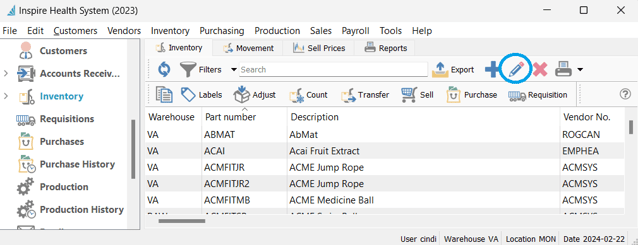
-
- ! Note - if editing multiple items at once, only allowable editing options will be presented:
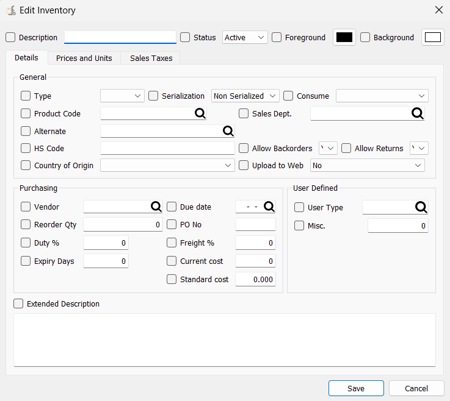
- make necessary changes
 Save ,
  Save and Close or
  Save and Create New
 Delete Inventory Item
- select Inventory item(s) from the list and click Delete
- Spire will only allow you to delete item(s) with zero quantities On Hand, Committed, Backordered or On Order