![Gemini-Logic-Logo (1).png]](https://cs.geminilogic.com/hs-fs/hubfs/Gemini-Logic-Logo%20(1).png?height=40&name=Gemini-Logic-Logo%20(1).png)
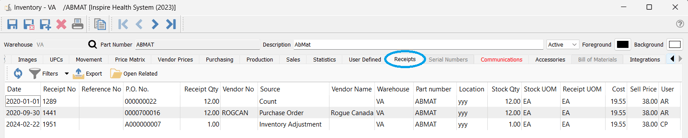
 Refresh - load any new Receipt transactions that may have been entered by another user since this module has been open
 Receipts List Filters / Search / Customization - see Inventory - Access / List Functionality
-
 Export - export the the transactions list in Excel or CSV format - see Inventory - Export
 -
 View PO / Adjustment in one of two ways:
- select the transaction(s) then click
 Open Related
 - double-click on the transaction you want to view
- select the transaction(s) then click
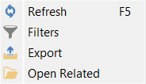
- Receipts Context Menu - right-click on any line(s) in the list to display: