![Gemini-Logic-Logo (1).png]](https://cs.geminilogic.com/hs-fs/hubfs/Gemini-Logic-Logo%20(1).png?height=40&name=Gemini-Logic-Logo%20(1).png)

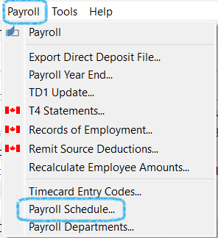
- Access - Payroll Text Menu > Payroll Schedule
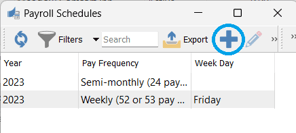
- from the Payroll Schedules list click
 Add
Add
-
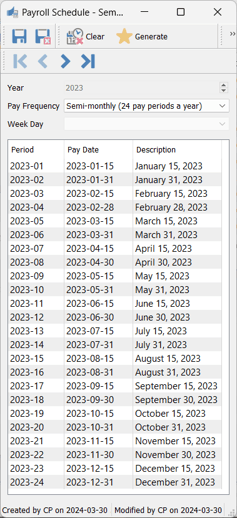
- select the Pay Frequency you want to establish the Schedule for
- if choosing 'Weekly', then choose the Week Day
- click on
 Generate to fill in Period Pay Dates (Period End Dates) in the grid
 - Period displays year-pay period number ie: 2016-01 is the first pay period in 2016
- click on
 Clear to remove grid values and enter new criteria
  Save or
  Save Close
- select the Pay Frequency you want to establish the Schedule for
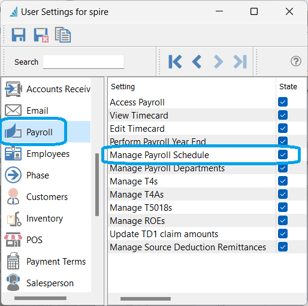
- User Allowance - File > User Settings > Payroll > Manage Payroll Schedule