![Gemini-Logic-Logo (1).png]](https://cs.geminilogic.com/hs-fs/hubfs/Gemini-Logic-Logo%20(1).png?height=40&name=Gemini-Logic-Logo%20(1).png)

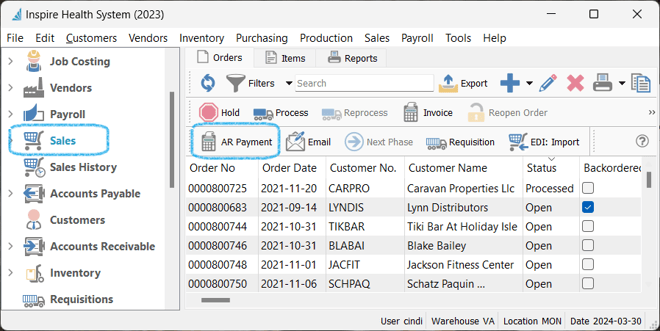
- select Customer
- accept / change date
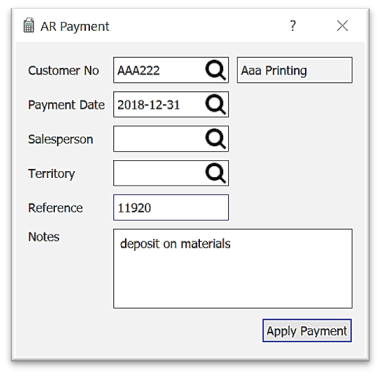
- select Salesperson / Territory
- enter Reference (ie customer cheque #)
- option to add Notes to print on the Payment Receipt
- click on Apply Payment
- select Payment Method - click the
 double chevron to view more (for setup see Sales Orders - Payment Methods)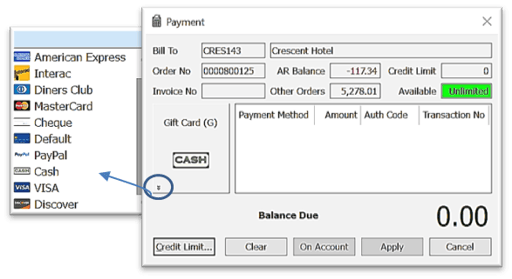
- enter Amount
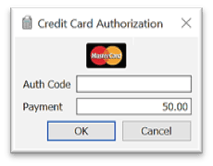
- enter Authorization Code if required