![Gemini-Logic-Logo (1).png]](https://cs.geminilogic.com/hs-fs/hubfs/Gemini-Logic-Logo%20(1).png?height=40&name=Gemini-Logic-Logo%20(1).png)

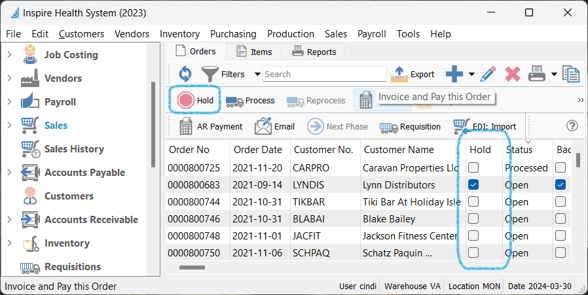
- from the List:
- select the Sales Order(s) from the list
- click the
 Hold - see the identifying
  checkbox in the Hold column:
- from inside the Sales Order:
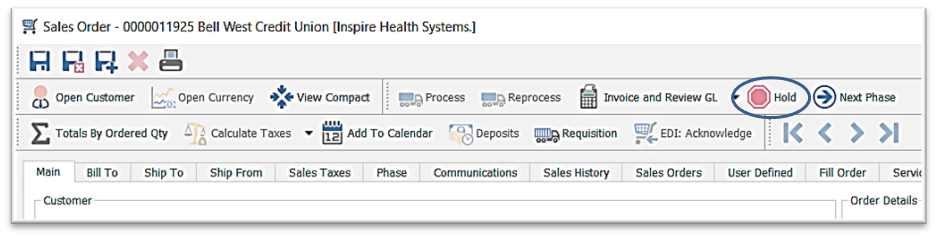
- User Settings determine who can place or remove this Hold – Edit > User Settings > Sales Orders – Modify Hold