![Gemini-Logic-Logo (1).png]](https://cs.geminilogic.com/hs-fs/hubfs/Gemini-Logic-Logo%20(1).png?height=40&name=Gemini-Logic-Logo%20(1).png)
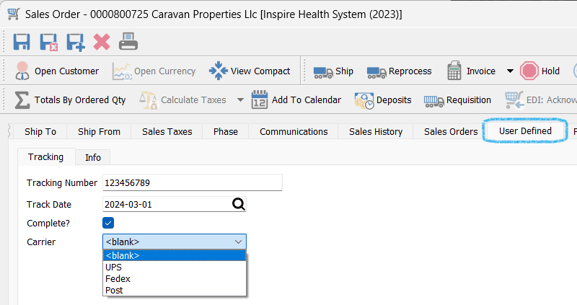
- Once the fields have been setup, they will be available for input into each record (in this case, a Sales Order)
- in this Tracking tab created, you can see an example of these field types:
- Text Box ('Tracking Number')
- Date ('Track Date')
- Boolean ('Complete')
- Drop Down ('Carrier')
- in this Tracking tab created, you can see an example of these field types:
-
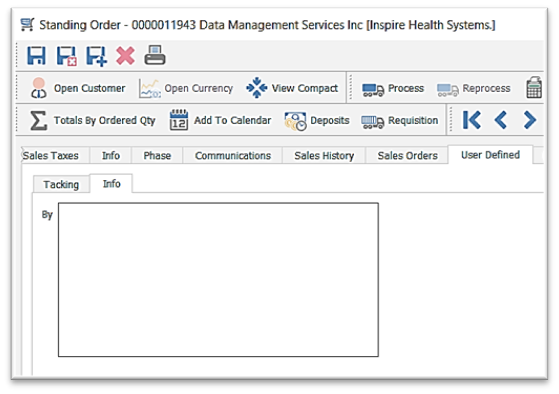
- in this Info tab you can see an example of a Multiline Text field: