![Gemini-Logic-Logo (1).png]](https://cs.geminilogic.com/hs-fs/hubfs/Gemini-Logic-Logo%20(1).png?height=40&name=Gemini-Logic-Logo%20(1).png)

Add New Vendors in one of 2 ways:
1. Manually:
- from the Vendor List window click
 New
New
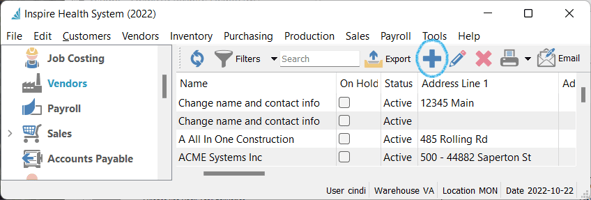
- fill in Vendor information for each tab as described in the other Vendor sections:
 Save or
  Save and Close or
  Save and Create New
2. Import (See Vendors - Import)

Edit Vendor
-
- select the from the Vendor List
- click
 Edit - or double-click Vendor line to open
 - make necessary changes
- Save or Save and Close or Save and Create New

Delete Vendor
-
- select vendor from list and click
 Delete (Vendor will not delete if there is an A/P balance)
  Print reports (see Reports) on the selected invoices in the list
- select vendor from list and click